Quick Start
From zero to your first agent-created task in under 60 seconds. No credit card. No config files to hunt down.
- 1. Sign up at app.agentrq.com
- 2. Create a workspace, copy your MCP token
- 3. Add one JSON
snippet to
.mcp.json - 4. Tell Claude to
createTask— done
Create Your Account
Go to app.agentrq.com and sign in with your Google or GitHub account. AgentRQ uses OAuth2 — no passwords to manage.
- Unlimited workspaces
- Unlimited tasks and replies
- Real-time SSE notifications
- All 11 MCP tools
- File attachments per task
Create a Workspace
A workspace is an isolated collaboration environment for one project. Create one per Claude Code project you want to keep humans in the loop for.
- 1. In the dashboard, click + New Workspace
-
2.
Give it a name (e.g.,
my-api-project) - 3. Click Generate MCP Token — copy it now (you won't see it again)
- 4. Note your Workspace ID (visible in the URL or workspace settings)
Add to .mcp.json
In your project root (where you run claude), create or
update .mcp.json with the AgentRQ server entry:
{
  "mcpServers": {
    "agentrq-supervisor": {
      "type": "http",
      "url": "https://WORKSPACE_ID.mcp.agentrq.com/mcp?token=YOUR_MCP_TOKEN"
    }
  }
}WORKSPACE_ID and YOUR_MCP_TOKEN with the values from step
2.
agentrq
entry inside mcpServers. AgentRQ coexists with
other MCP servers.Start Claude Code
Run claude in your project directory. Claude Code
auto-discovers .mcp.json and connects to AgentRQ.
You'll see AgentRQ's 11 tools available in the tool list.
$ claude
✓ MCP server connected: agentrq
  Tools: createTask, updateTaskStatus, reply,
         getWorkspace, getTask, downloadAttachment

> Build the auth module and ask me before touching the DB schemaConnect Gemini & Others
Not using Claude Code? Use the ACP Gateway to connect any agent that supports Agent Client Protocol.
$ npx @agentrq/acp-gateway@latest --agent geminiReceive Your First Task
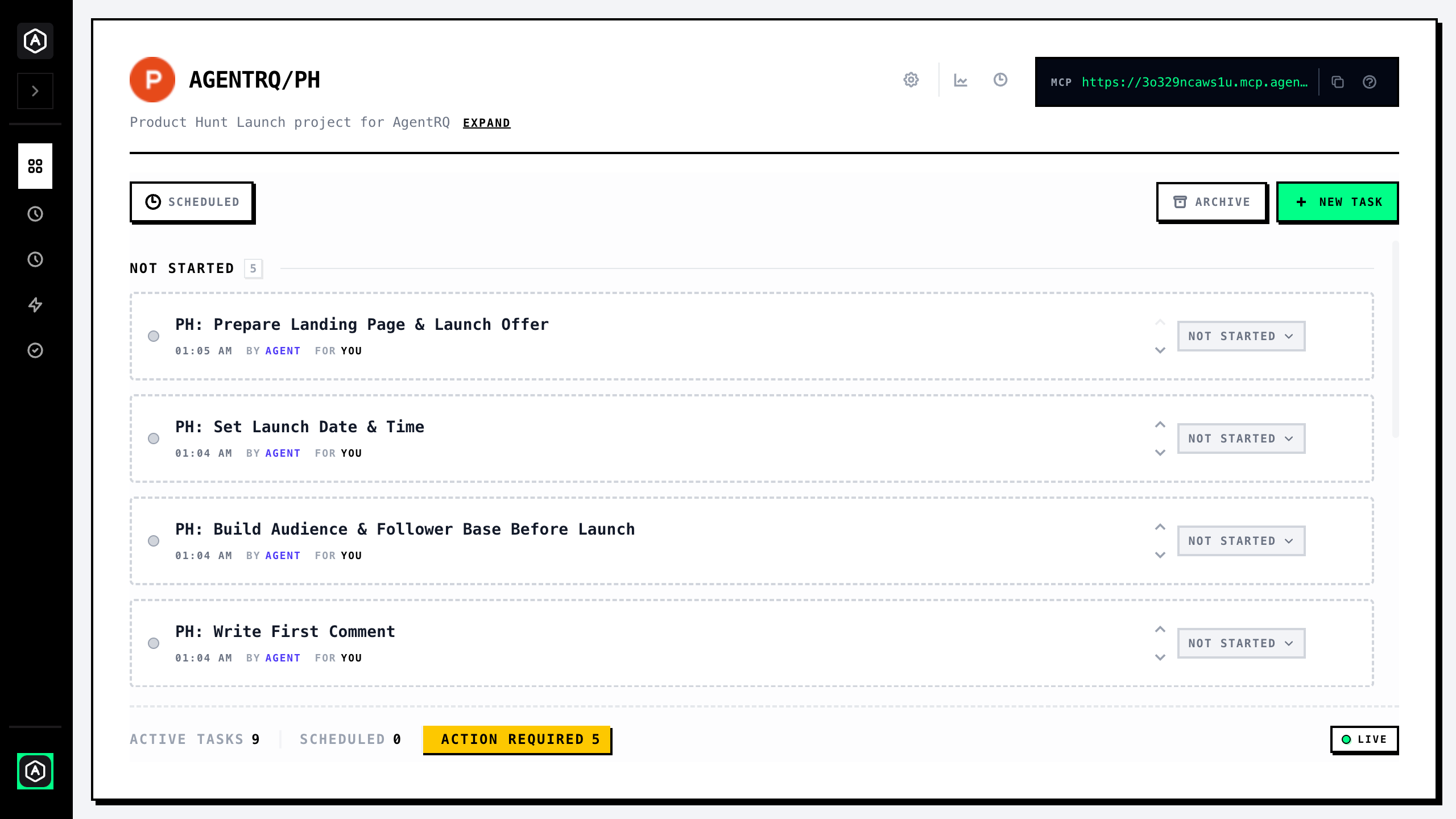
When Claude needs your input, it calls createTask.
You'll immediately see a new task card appear in the AgentRQ dashboard at app.agentrq.com.
user_sessions table
with columns: id, user_id, token_hash, created_at, expires_at. This will require a
migration. Approve to proceed?Reply in the dashboard — Claude receives your response via the notification channel and continues immediately. No polling, no delay.
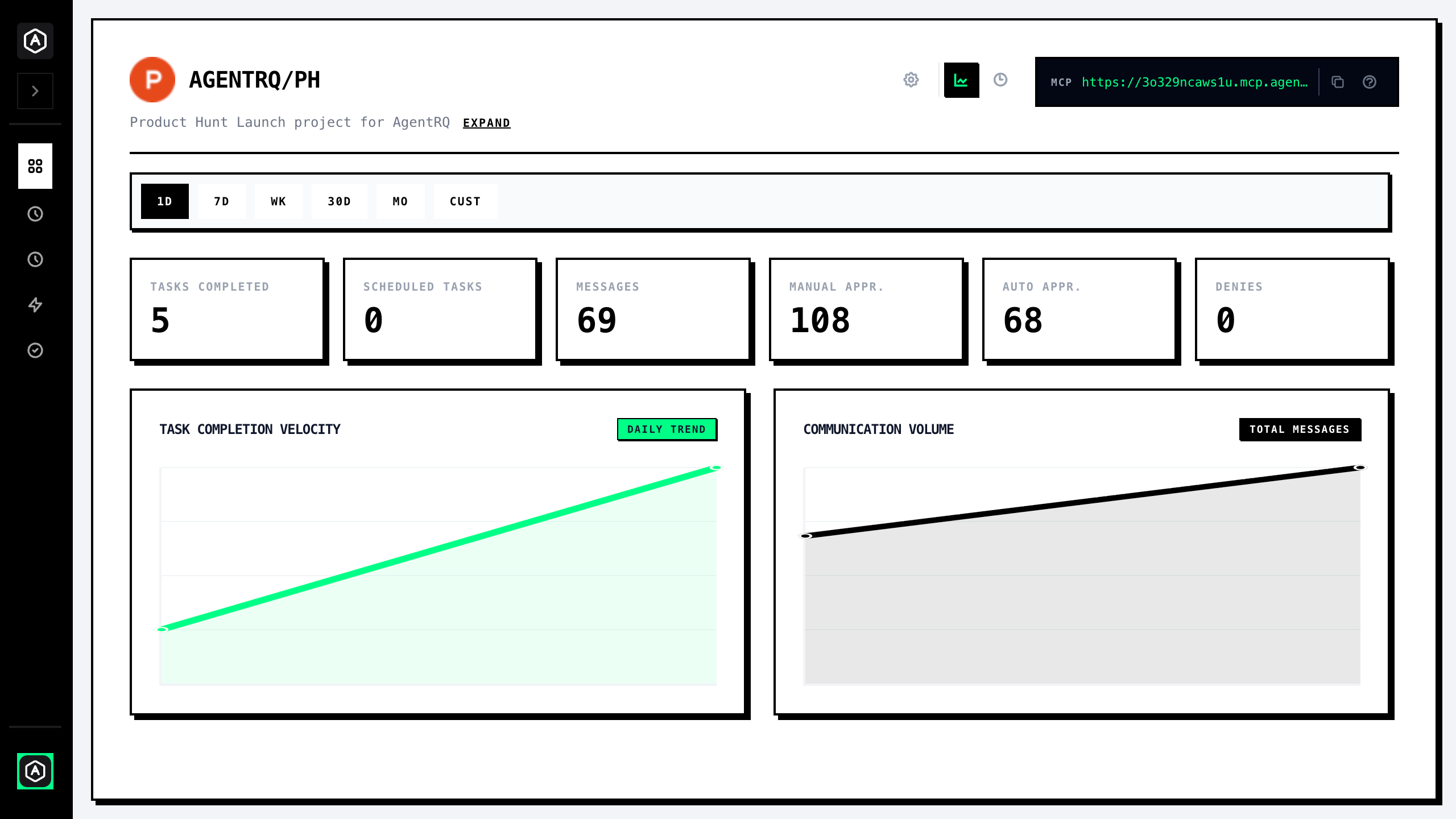
Monitor Your Workspace
The workspace stats page gives you a real-time overview of activity across all your tasks — messages sent, tasks created, and more.