
How to Enable YOLO Mode in Stakpak
Stakpak's closest thing to YOLO mode is async mode: stakpak --async "<prompt>" (or -a) runs the agent to the end and executes every tool call without stopping. The interactive app has no approve-everything switch. Its auto-approve settings work tool by tool.
This page is one of our YOLO mode guides, and part of our guide to YOLO mode in every coding agent. Everything below was checked against the Stakpak source (stakpak/agent, version 0.3.88) on October 30, 2026.
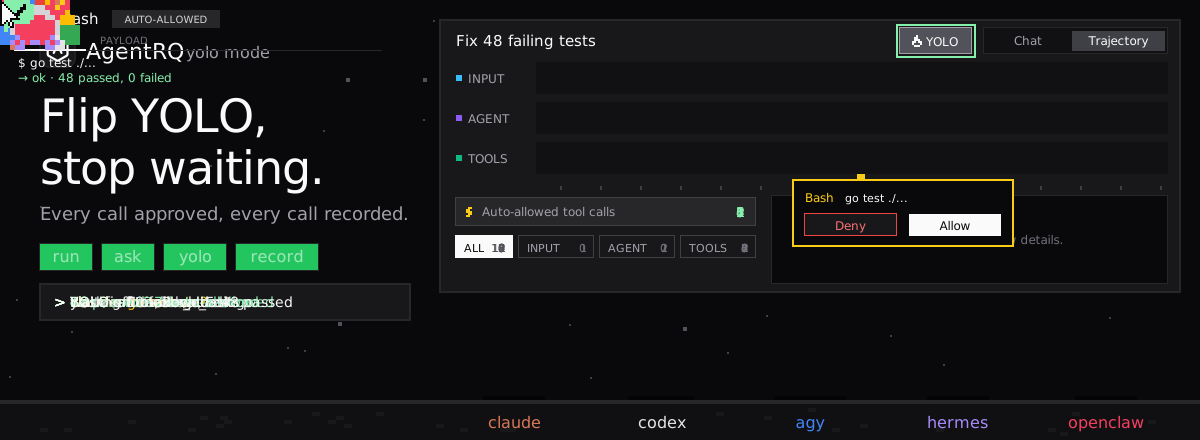
How to Enable YOLO Mode in Stakpak
Async mode runs up to 50 steps by default (--max-steps changes that) and does not pause for approval. To make it stop at tools that need approval, add --pause-on-approval. Then resume the run with --approve <id>, --reject <id>, --approve-all or --reject-all.
Auto-Approve in the Stakpak TUI
In the interactive app, every tool call that is not on the auto-approve list asks you first. Out of the box, read-only tools such as view, search_docs and load_skill are on the list, while create, str_replace, run_command and remove ask.
| What | How |
|---|---|
| Turn the auto-approve list on or off | Ctrl+O |
| Auto-approve one tool | /toggle_auto_approve <tool name> |
| Per-profile list | auto_approve = [...] in ~/.stakpak/config.toml |
Ctrl+O is not a YOLO switch. It turns the auto-approve list on or off, and with it off every tool asks. Choices you make in the app are saved per project in .stakpak/session/auto_approve.json.
A profile can also narrow what Stakpak may use at all, with allowed_tools. A read-only profile such as allowed_tools = ["view", "search_docs"] is the safest setting.
Plan Mode
stakpak --plan makes Stakpak research and draft a plan before it executes anything. In async mode, --plan-approved approves the plan automatically when it is ready for review.
Sandbox
Stakpak does not run its tools in a sandbox. Its README describes Warden guardrails, network-level policies meant to block destructive operations, and secret substitution, which keeps your credentials out of what the model sees.
How to Enable YOLO Mode in Stakpak Through AgentRQ
Stakpak's own YOLO is async mode, for a whole run. AgentRQ gives the interactive kind a per-task switch, and lets you answer from somewhere other than the terminal.
Approve From the AgentRQ Task Instead of the Terminal
Connect Stakpak to an AgentRQ workspace through the ACP Gateway (Stakpak setup guide):
Then start the bridge with the same command minus --login. Over ACP, Stakpak sends a permission request for every tool call except a few read-only ones: view, search_docs, load_skill and local_code_search. It offers Allow and Reject. In the ACP server source, the auto-approve list from your profile is not consulted. Each permission request now shows up in the AgentRQ task on the web, on your phone or in Slack, together with the command or edit it is asking about. Answer Allow Once, Always Allow or Deny from wherever you are, and Stakpak carries on. If nobody answers within 30 minutes, the gateway cancels the turn instead of guessing. Change the limit with --permission-timeout.
Turn On YOLO for One Task
Flip the YOLO toggle on a task, or when you create it, to put just that task in YOLO mode. Every permission request in it is approved automatically and Stakpak never waits, while every other task in the workspace still asks. Scheduled tasks, event triggers and workflow steps have the same switch, so an unattended job can run in YOLO while your interactive work stays supervised.
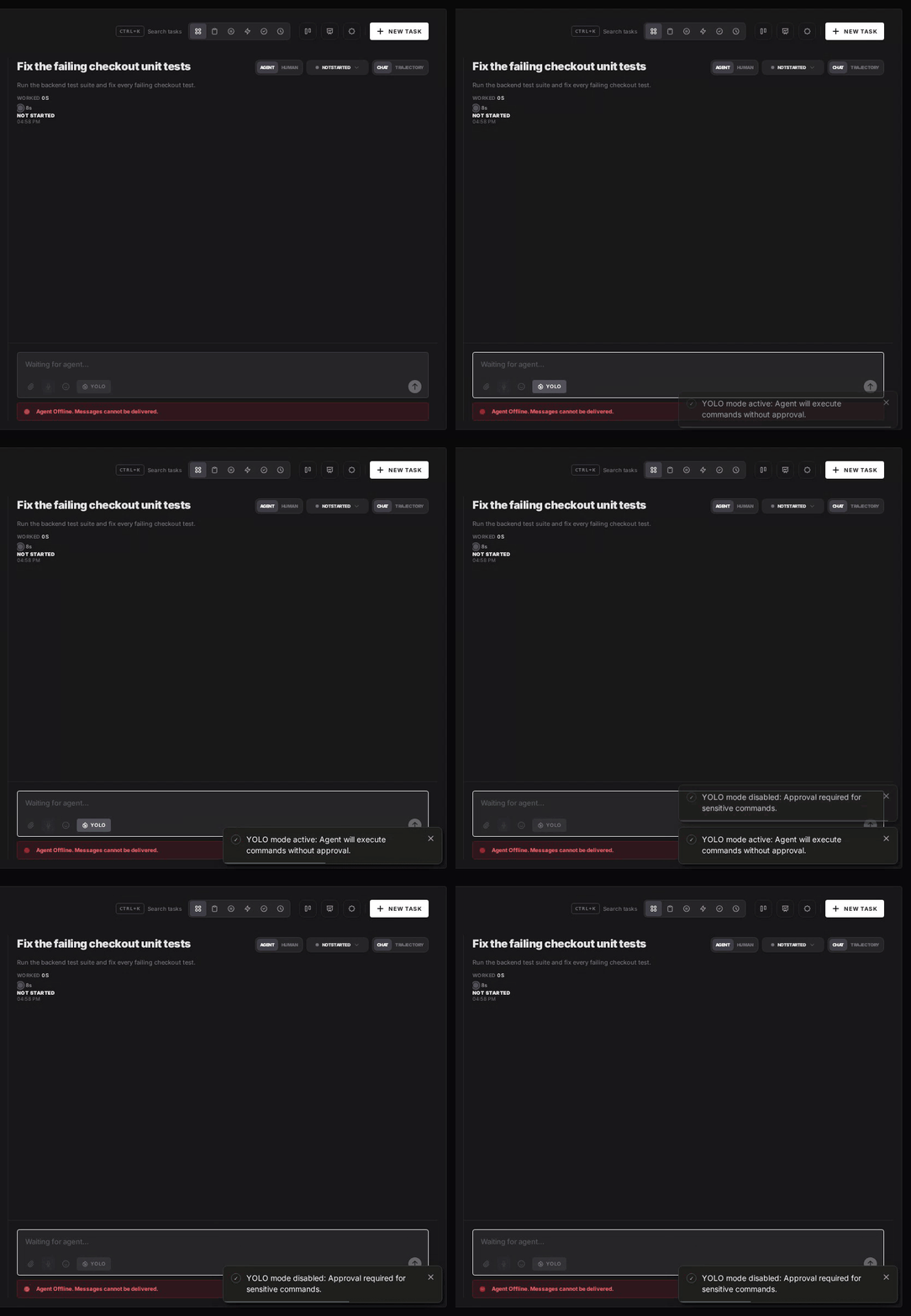
Turn YOLO On or Off in Workspace Settings
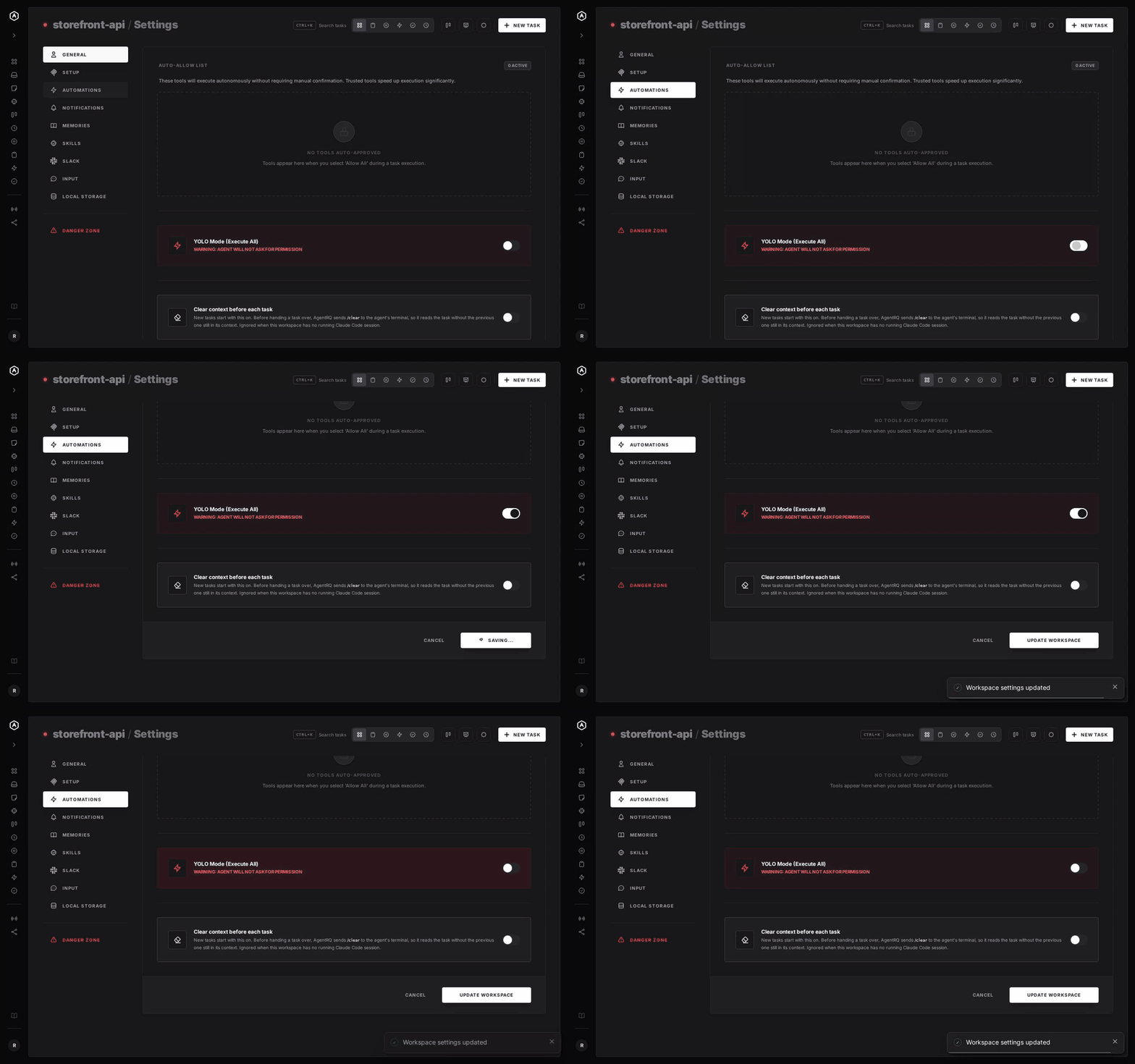
To make YOLO the default for a whole workspace, open the workspace, go to Settings, choose the Automations tab and flip YOLO Mode (Execute All). Click Update Workspace to save. Switch it off the same way. The switch is off by default, and every permission request in the workspace is approved automatically while it is on.
A Safe YOLO Setup for Stakpak
- → Allow the boring tools, not everything. Always Allow adds the tool to the workspace's auto-approved list, so the routine calls stop asking and the risky ones still do. Prune that list in workspace settings now and then.
- → Leave the workspace-wide switch off. Workspace settings also has YOLO Mode (Execute All). Turn YOLO on per task instead, so it never outlives the job you trusted.
- → Mind what Stakpak can reach. It is a DevOps agent, so a YOLO task may touch clusters and clouds, not only files. Give it narrowly scoped credentials, and run it in a container.
- → Commit first. Start every YOLO task from a clean git tree, so any change is one
git resetaway. - → Read the record. The tool call history lists every call the task made, including the ones that were auto-approved.
FAQ
How do I enable YOLO mode in Stakpak? Run it in async mode, stakpak --async "<prompt>" or -a. It executes every tool call without stopping, unless you add --pause-on-approval.
What does Ctrl+O do in Stakpak? It turns the auto-approve list on or off. It does not approve everything: tools such as run_command and create still ask unless you add them.
How do I auto-approve one tool in Stakpak? Type /toggle_auto_approve <tool name> in the app, or list it under auto_approve in a profile in ~/.stakpak/config.toml.
Does Stakpak have a sandbox? No. Its README describes Warden guardrails and secret substitution, but tools run on your machine. Use a container for YOLO runs.
How do I approve Stakpak tool calls remotely? Connect Stakpak to AgentRQ through the ACP Gateway. Its permission requests show up in the task on the web, your phone or Slack.
For every other agent, see what YOLO mode is and how to turn it on in every coding agent.