YOLO Mode Guides for Every Coding Agent
YOLO mode lets a coding agent edit files and run commands without asking you first. Most agents have their own version of it, with a different flag, config setting and in-session toggle, and some of them also turn off the sandbox. Some have no YOLO switch at all, and can still get one per task through AgentRQ. Pick your agent below for the exact switch, the halfway options, and how to keep a safe YOLO setup with per-task approvals in AgentRQ.
Each guide was checked against the agent's own documentation or source code, and says when. For what YOLO mode is and a side-by-side table of every agent, read what YOLO mode is and how to turn it on in every coding agent.
 AmpNo approval prompts by default
 Antigravityagy --dangerously-skip-permissions
 Augment CodeYOLO via AgentRQ
 AutoDevNo approval prompts by default
 Autohand Codeautohand --yolo
 Blackbox AIblackbox --yolo
 BubNo approval prompts
 Claude Codeclaude --dangerously-skip-permissions
Claude Code Auto vs YOLO--permission-mode auto vs bypassPermissions
 Clinecline --yolo
 Code Assistantbypass-all (the default tier)
 CodeBuddy Codecodebuddy -y
 Codex CLIcodex --yolo
 Command Codecmd --yolo
 ConstructCONSTRUCT_SMITH_AUTOMODE=1
 Cortex Codecortex --bypass
 Corust Agentyolo session mode
 crow-cliNo approval prompts
 Cursoragent --yolo
 DeepAgentsNo approval prompts
 Devindevin --permission-mode bypass
 DimCode/approvals, Full access
 Diracdirac --yolo
 Docker cagentdocker agent run --yolo
 Factory Droiddroid exec --skip-permissions-unsafe
 fast-agentfast-agent-acp --no-permissions
 fountno YOLO switch
 Gemini CLIgemini --approval-mode=yolo
 GitHub Copilotcopilot --yolo
 GLM Agentbypass_permissions mode
 GooseGOOSE_MODE=auto
 Grok Buildgrok --always-approve
 HarnCode session mode
 Hermes Agenthermes --yolo
 Juniejunie --brave
KaagumYOLO via AgentRQ
 Kilokilo --auto
 Kimi CLIkimi --yolo
 Kirokiro-cli chat --trust-all-tools
 localharnessNo approval prompts
 Minion Codemcode --dangerously-skip-permissions
 Mistral Vibevibe --yolo
 Novanova --unleash
 OpenClawopenclaw exec-policy preset yolo
 OpenCodeopencode --auto
 OpenHandsopenhands --yolo
 Pialways on (no approval prompts)
 Poolside/mode always-allow
 Qoder CLIqoder --yolo
 Qwen Codeqwen --approval-mode=yolo
 RaxolYOLO via AgentRQ
 siGit CodeSIGIT_PERMISSIONS=allow
 Stakpakstakpak --async
 stdio Busacp-registry auto-approves
 VT Codevtcode --dangerously-skip-permissions
YOLO for One Task in AgentRQ
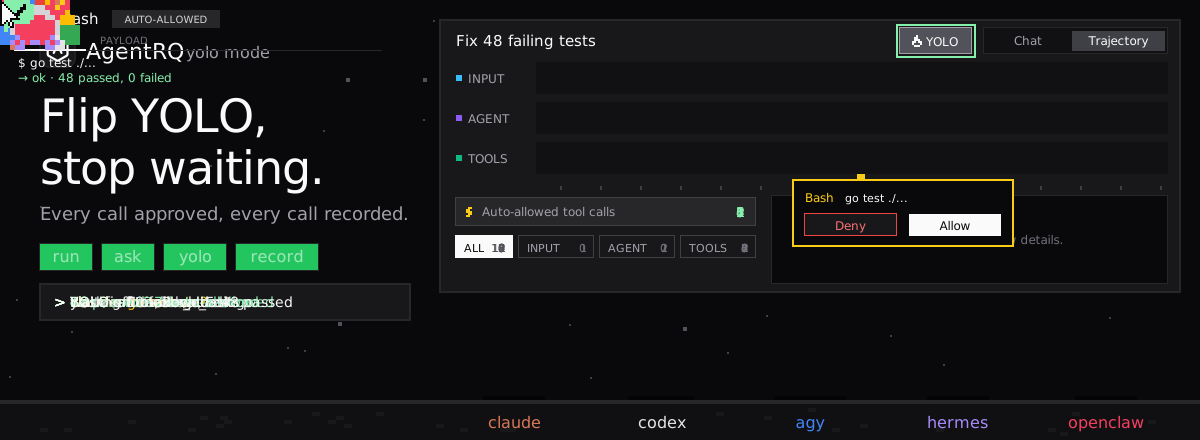
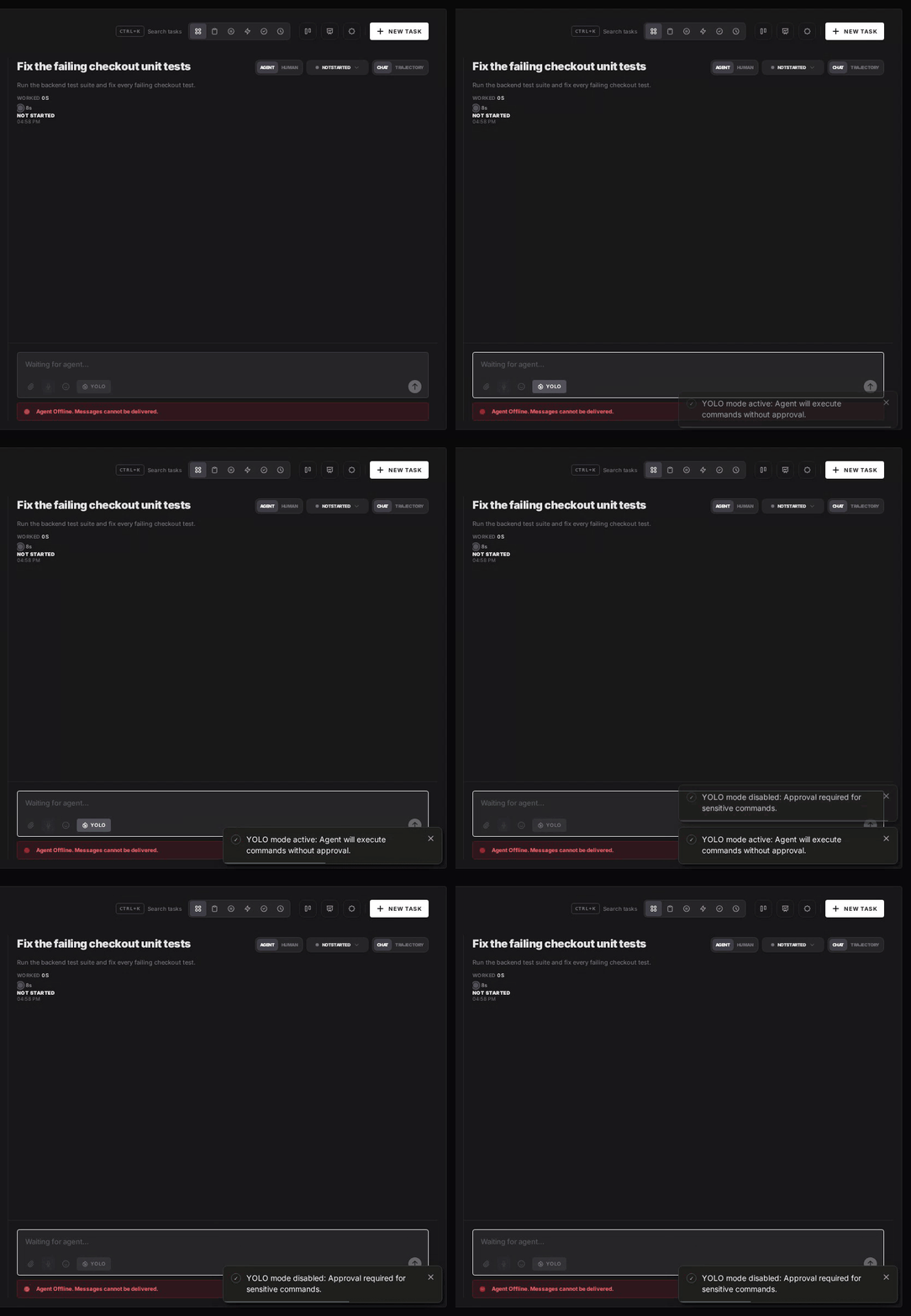
An agent's own YOLO switch covers a whole session, and some agents have none. In AgentRQ you can turn YOLO mode on for a single task instead, while every other task in the workspace still asks. Flip the YOLO toggle on the task, or when you create it:
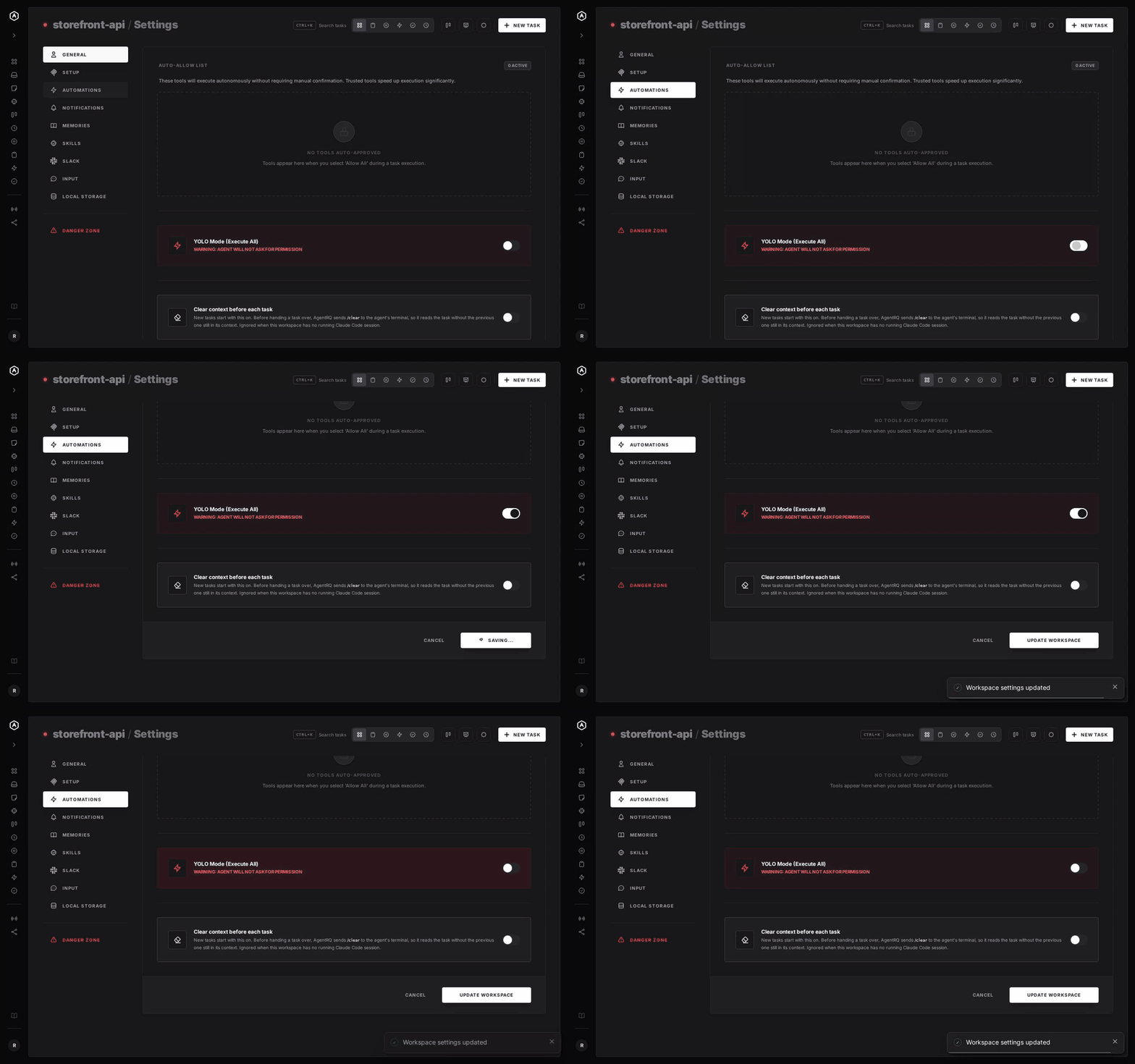
To make YOLO the default for a whole workspace, open the workspace, go to Settings, choose the Automations tab and flip YOLO Mode (Execute All), then click Update Workspace. Switch it off the same way.